

Filedgr Data Wallet
Your private vault for important documents
Passports, certificates, photos and videos in one place. Share them in seconds and show that nothing was changed.

Free download for iPhone and Android
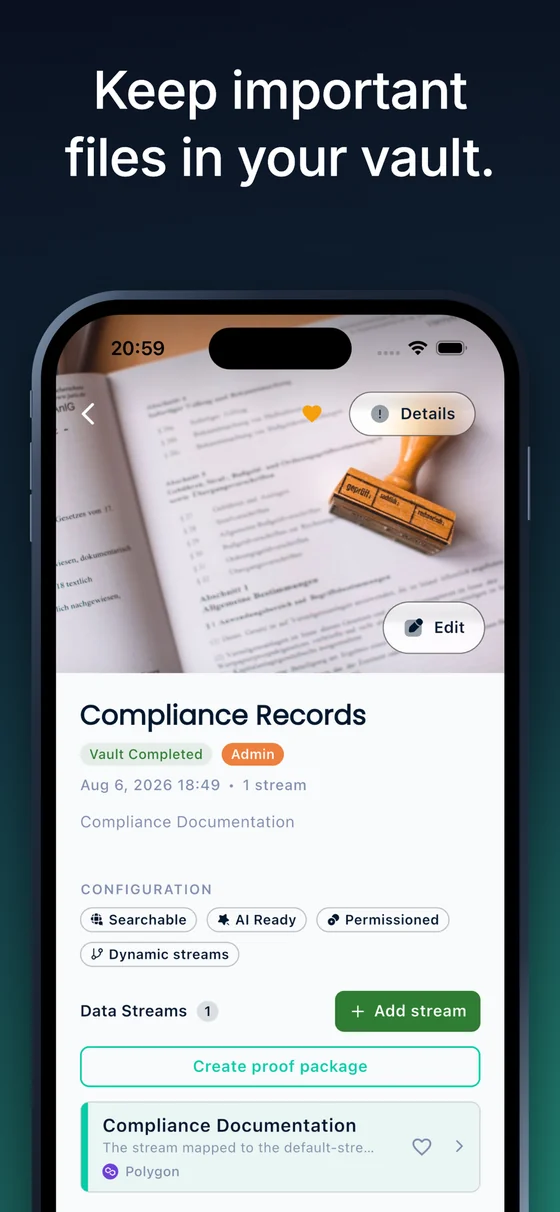
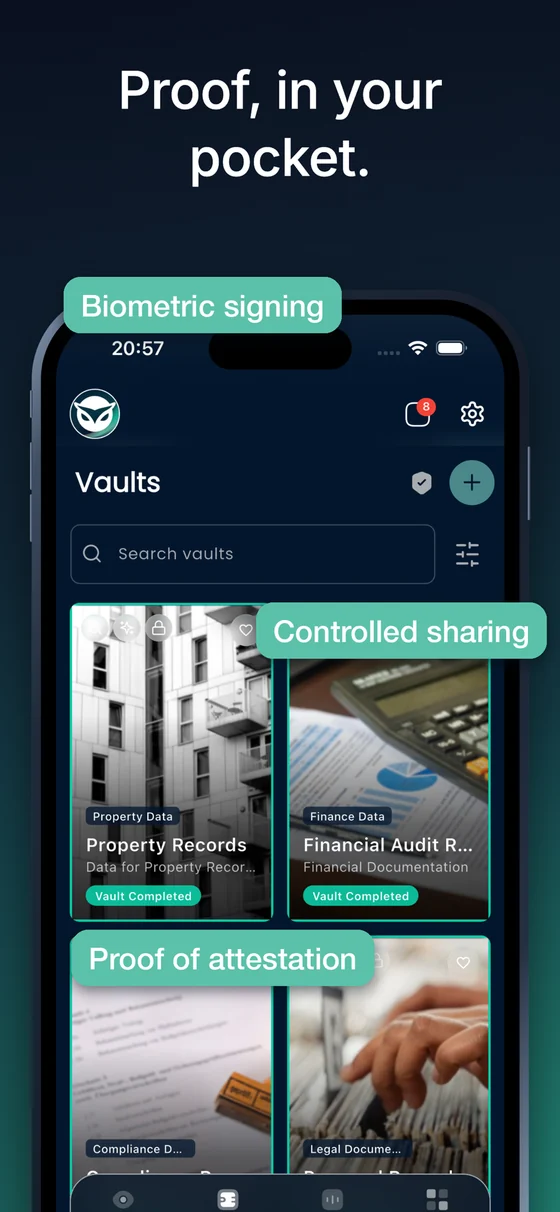
A private safe you can share
Your important documents, always with you. Only the people you choose can open them, and they can check that nothing was changed.
Capture in seconds
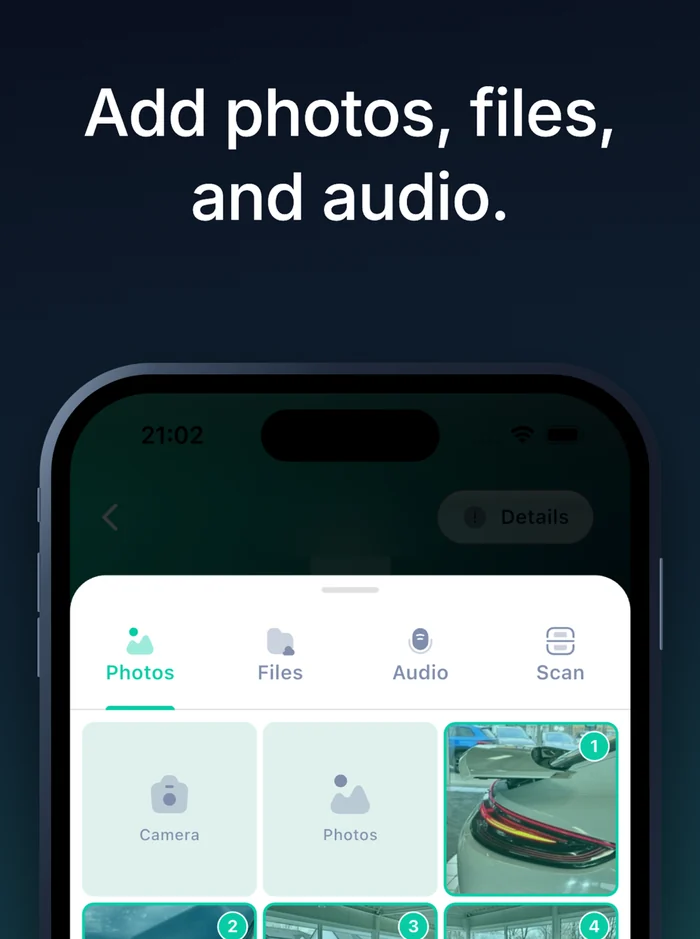
Photos, videos, audio, scans and files, straight from your phone.
Private by default
Your vaults stay closed. Only the people you invite can open them.
Share with control
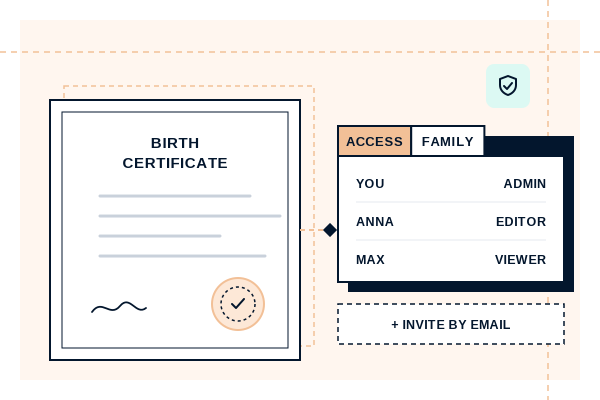
Invite people by email. Choose who can view, edit or manage.
Sign with Face ID
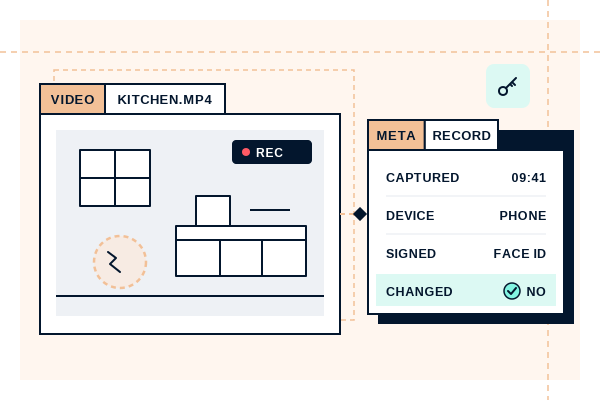
Sign a file with Face ID or fingerprint. Recipients see who signed it and when.
Every change shows
Each file gets a timestamp and a digital fingerprint. Any later edit is visible.
One link to share
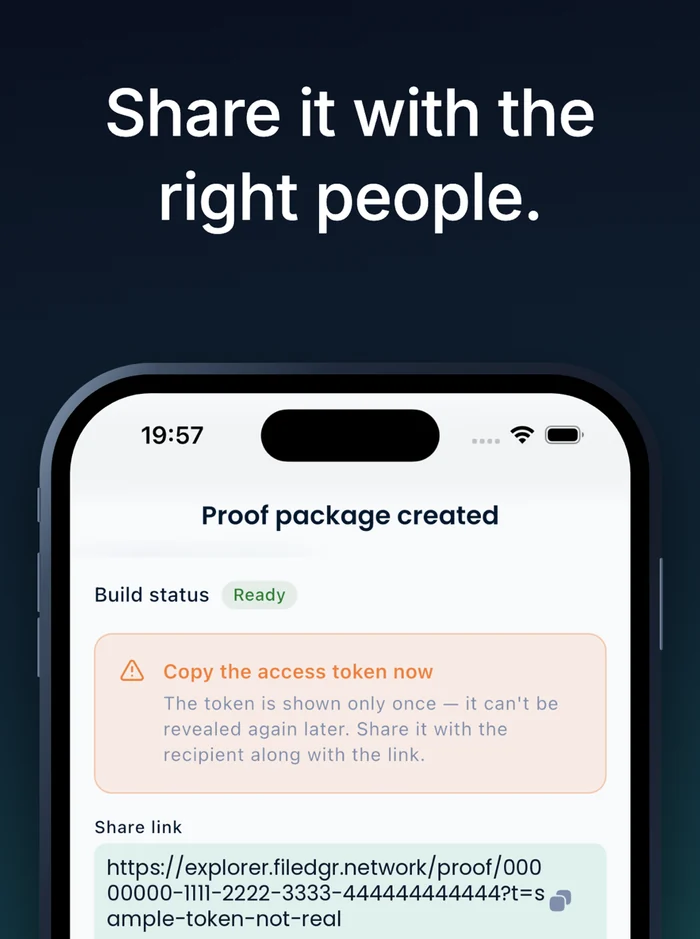
Send a Proof Package. Recipients check it in their browser, without the app.
Capture. Control. Prove.
Add a file, decide who sees it, and let others check it. All from your phone.
Capture
Take photos, videos or audio, scan paper or upload files. Each file gets a timestamp and a digital fingerprint.
Control
Keep files in vaults. Invite people by email and choose who can view, edit or manage.
Prove
Sign files with Face ID and share a Proof Package. Recipients check in their browser that nothing was changed.
When does a private vault help?
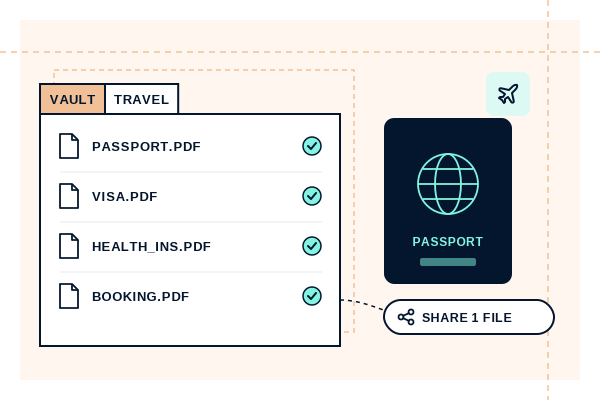
Travelling with important papers
Lost your passport abroad? Keep copies of your passport, visa, insurance cards and bookings on your phone. Share the one you need in seconds.

Moving in or out
Film every room at the handover. Each photo and video is sealed with date and time. If the deposit is disputed, you can show what the flat looked like, and when.
Birth certificates and family papers
Birth and marriage certificates, wills, deeds and diplomas in one place. Give a family member access, so they can find them in an emergency.
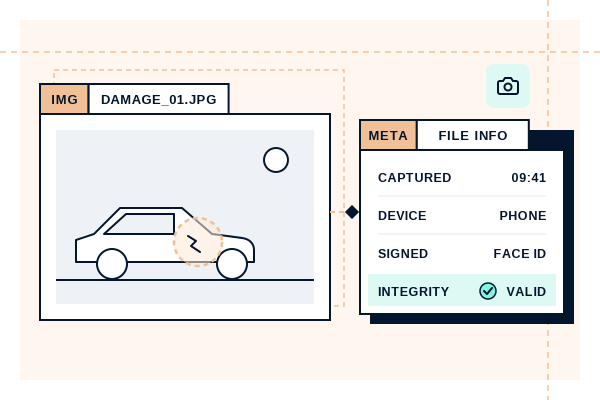
Accidents and damage
Photograph the damage on the spot. Send your insurer one link with everything they need. They can check that no photo was edited.
Get Filedgr Data Wallet. It's free.
Download the app for iPhone or Android and create your account.
On your computer? Scan with your phone to download.
Questions about Data Wallet
Is Filedgr Data Wallet free?
Yes. You can download Filedgr Data Wallet for free from the App Store and Google Play.
Which phones does it run on?
It runs on iPhone with iOS 15 or later and on Android phones. Get it from the App Store or Google Play.
Who can see my documents?
Only you and the people you give access to. You decide who can view, edit or manage each vault, and you can share single files as a Proof Package.
What does tamper-evident mean?
When you add a file, Filedgr records its digital fingerprint (hash) and a timestamp and anchors them on a public blockchain. If anyone changes the file later, it no longer matches its fingerprint, and the check fails.
Does a copy in the app replace my passport?
No. The app keeps a copy and shows that it has not changed since you added it. It does not make the copy an official document, and it does not confirm that the original is genuine.
Can I use Filedgr on my computer?
Yes. Sign in to the Filedgr web app in your browser with the same account.
Can my company use Data Wallet?
Yes. Field teams use Data Wallet to capture photos, videos and documents straight into their company's Vaults on Filedgr Platform. Book a demo to set it up for your team.
Get started today
Download Filedgr Data Wallet for free. Your important documents, private and ready to share.
